Overview
With ickStream you can take advantage of periodic promotional offers for music services. Active promotions are shown in the “Services” section in your ickStream cloud account You will find instructions and active promotions on this page
If you have any issues or trouble to install, please contact us via our discussion forum and its Squeezebox Open beta section
Active Promotions
- Tidal 30 days Free - From April 3rd 2015
Instructions
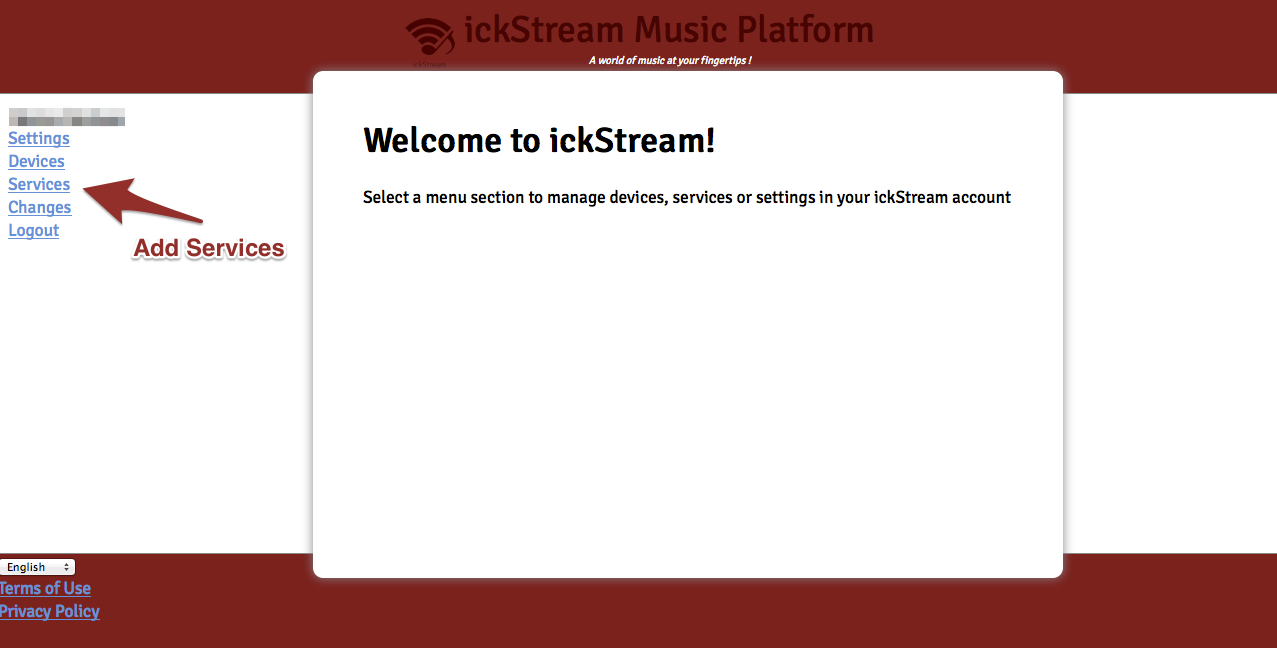
To access promotions available in your country login your account in the ickStream cloud at https://cloud.ickstream.com, and go to the “Services” section
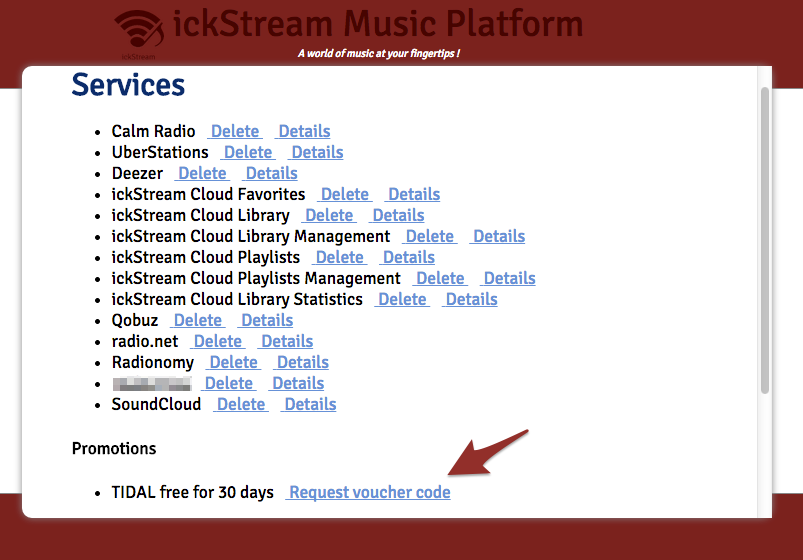
Request the Voucher code from the Promotions section
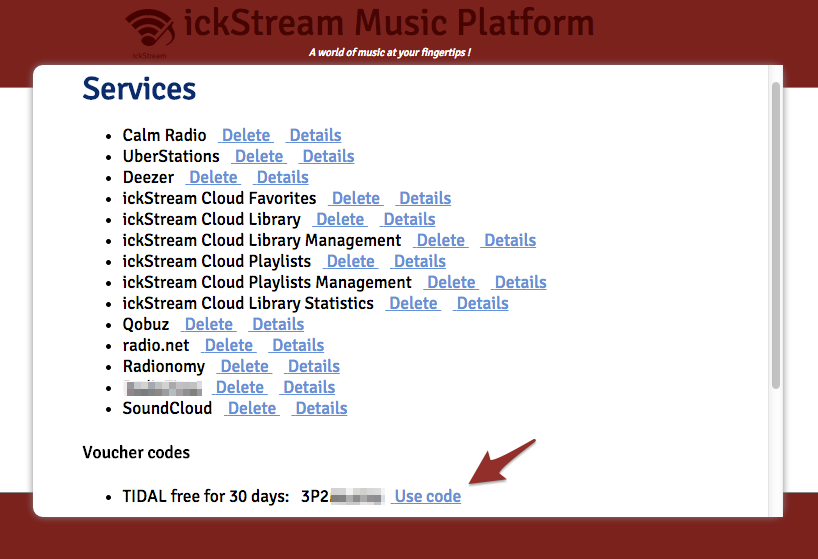
A voucher code will then appear. Select it and Copy it to your clipboard (Ctrl+C or Cmd+C ) Click on “use the code”
You will then be taken to the partners page where you can paste the Voucher code (Ctrl+V or Cmd+V) and create an account.
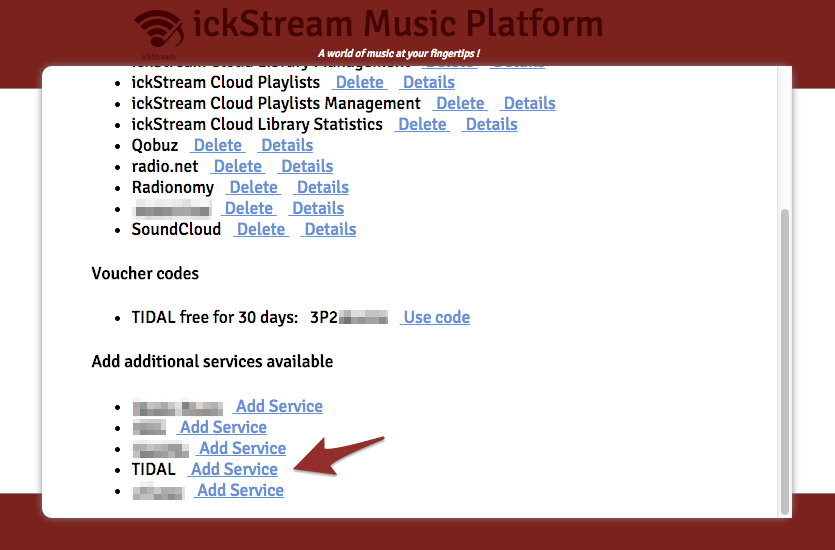
Once your account is create at the partners page, go back to the “Services” menu in your ickStream cloud account and add the service you have just created an account for.
The music service will then appear in the ickStream menu on your Squeezebox. For more details on how to install ickStream and add music services see the installation instructions
T\&C
-Promotions are only available to new music service accounts and to ickStream accounts with at least one Squeezebox or Squeezebox compatible player connected to it.
-Some partners require to enter your credit card details to redeem the offer, and it will be charged automatically after the free period unless you cancel your subscription before.